
Set up price tracking by asking ChatGPT or Claude
Adding a product by hand means a tab for every shop and a link copied from each one. If Claude or ChatGPT is already open, ask there. Connect DipCatch once and the assistant finds the pages and adds them for you.
What this looks like
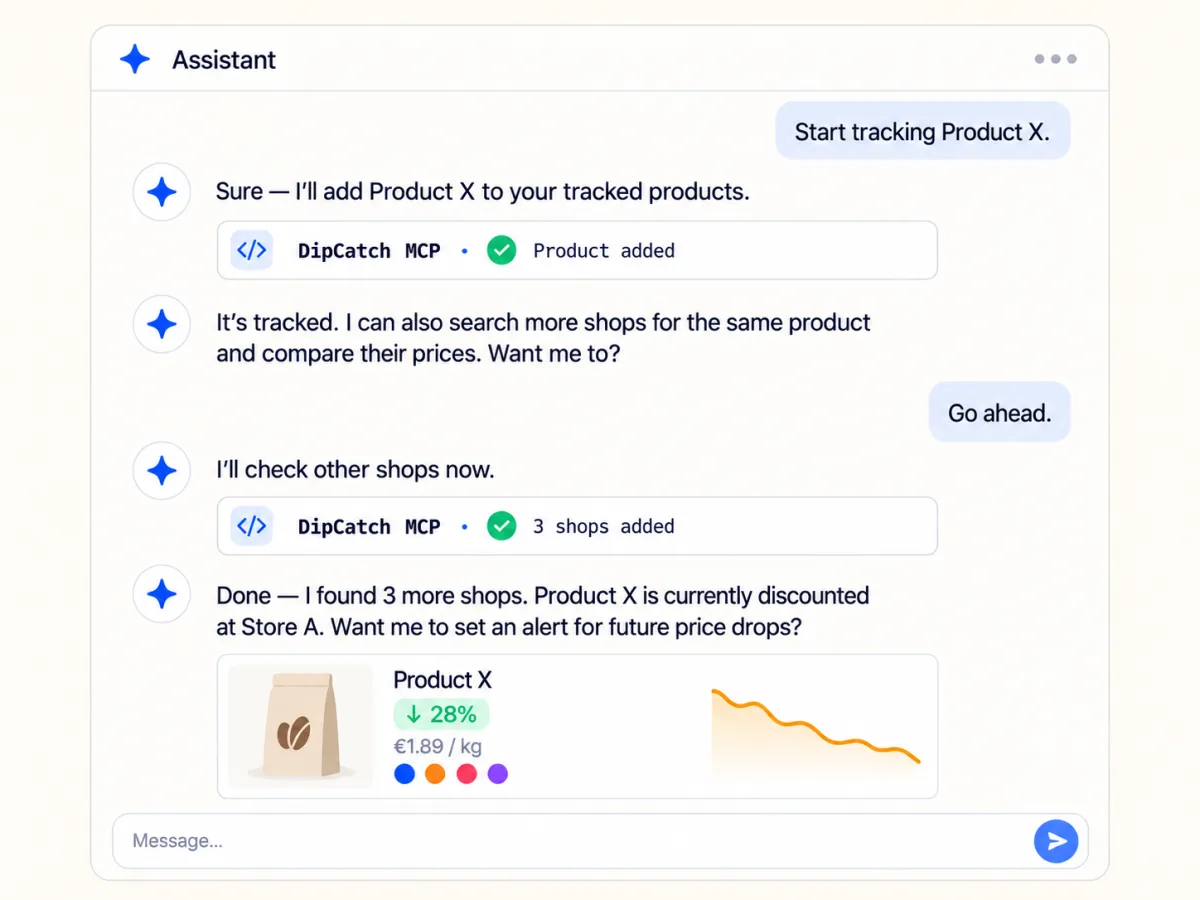
You type one message. Something like: follow this cat food, I buy it at zooplus.nl and bol.com, find two more shops, and tell me when it is under €40. The assistant finds the pages, and DipCatch reads each one back with the name, the price and the pack size. Nothing is saved until you say yes.
Getting the most out of it
- Type as much of the pack as you know. Hill’s Science Plan Adult 1-6 7 kg points at one product. Cat food leaves the assistant to choose for you, and it will.
- Read back what DipCatch found. A link to the 2 kg bag instead of the 7 kg sack looks fine in a chat, and then you follow the wrong price for weeks.
- Give a price if you have one. "Tell me when it is under €40" becomes your target, and that price is what sends the alert. Without one, DipCatch tells you when the price falls well below what it usually costs.
Paste a product link from any other shop as well. Most shops work. We only set a shop up ourselves when its page is too tricky to read otherwise.
Common questions
Which assistants can I use?
Claude, and ChatGPT once DipCatch is in its plugin directory. The Connections page in your account shows which of the two is ready, and its Claude button opens Claude with DipCatch already filled in. Another assistant that can connect to outside tools can use the address on that page.
Can the assistant find the shops itself?
It finds the product pages with whatever browsing it has, then hands each link over. DipCatch does not search the web: it takes a link, fetches that page and reports what it read. For Dutch supermarkets the product page in DipCatch suggests other chains that look like the same pack as well.
What can I ask it to do?
It can list your products, look one up and show how a price moved. It can follow a new product, add or remove a shop, and ask for a fresh check. It can set your price, rename a product, file it under a category, pick its picture or stop following it. If DipCatch cannot read a shop page, the assistant can keep it as a plain link, and DipCatch tries that page again every week. The assistant only sees your own account.
Can it change things without asking me?
Yes. It can change your alert, rename a product and remove a shop without checking with you first. DipCatch tells it to ask you before it deletes a product, but the assistant has to follow that itself. So connect one you trust, and disconnect it on the Connections page when you are done. Adding a shop takes two steps. The first saves nothing and shows you what DipCatch read from the page.
When does DipCatch send an alert?
When the price falls well below what the product usually costs. That is the typical price over the last 30 days, or the first price DipCatch read if the product is new. For a cheap item that means 15 percent, or €3 off a pack of the same size. The percentage is lower on costly items. DipCatch compares per kilo, litre or piece where the pack says how much is in it, so a bigger pack that works out cheaper counts as a drop too. Set your own percentage or amount and it replaces that part of the default.
What happens when I set my own price?
Then your price decides. DipCatch tells you when a shop reaches it, and says how many to buy if it takes a multi-buy. You hear about it once while the price stays there, and again if it drops lower. The automatic drop alerts switch off for that product, unless you also set a percentage or an amount. Or set a price per kilo, litre or piece instead.
How many shops can one product have?
Four on the free plan and as many as you like on Pro. Two shops you already check plus two the assistant finds is a normal starting point.